Instruction Video

Comprehensive step-by-step video guides, application pairing walkthroughs, and user operations engineered for global retail partners and B2B buyers.

GLOBAL SUPPORT &
PRODUCT MASTERY

With over 30 years of horological engineering expertise, iTIME provides complete lifecycle support for our wearable technology. Our video tutorials empower distributors, retailers, and end-users with precise setup procedures, app integration protocols, and vital sign sensor calibration.

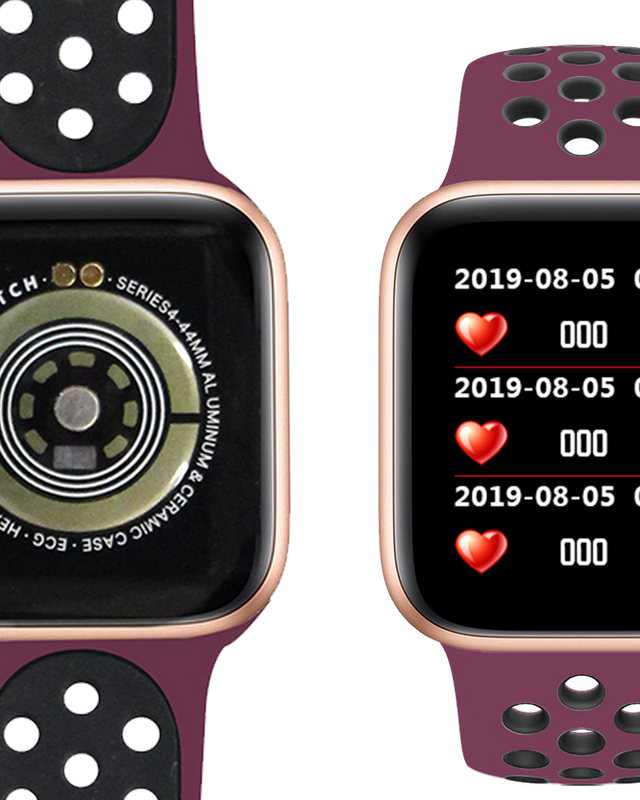
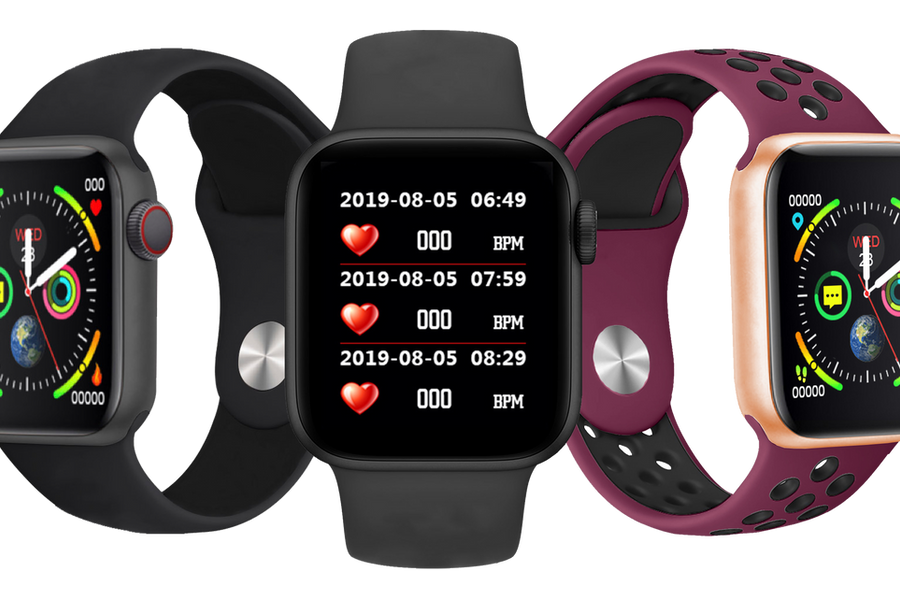
iTIME Smartwatch App Pairing & Setup Guide Thumbnail
Initial Setup & Pairing

iTIME Companion App Pairing & Mobile Notification Sync

Detailed walkthrough explaining how to connect iTIME Bluetooth smartwatches with iOS and Android devices, set up daily goal alerts, and enable push notification permissions seamlessly.
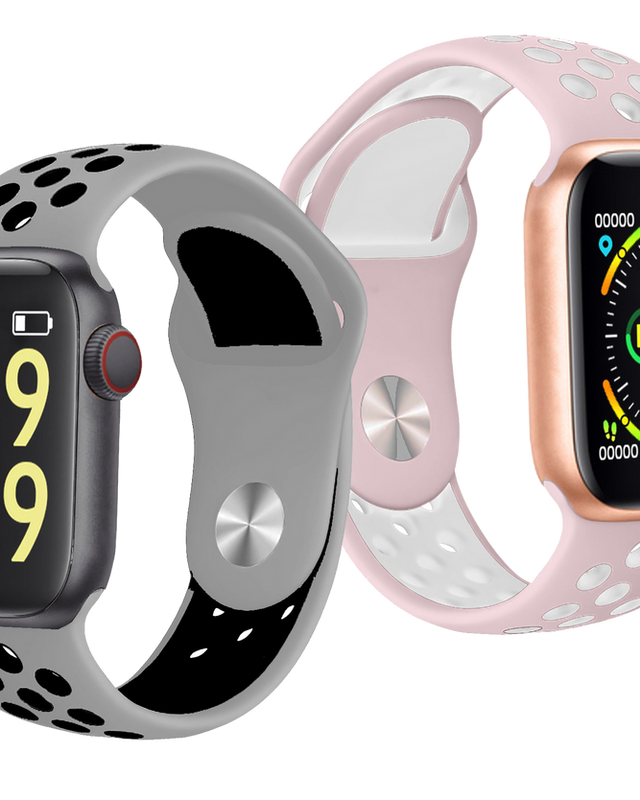
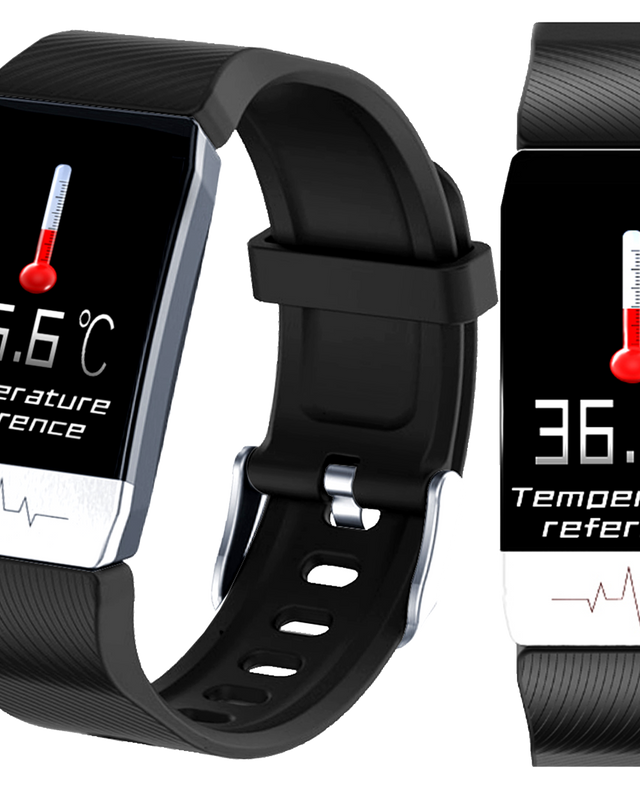
V Series Bio-Sensor Calibration Video Thumbnail
V Series Bio-Sensors

Heart Rate, SpO2 & Temperature Sensor Operation

Learn how to activate 24/7 heart rate monitoring, body temperature readings, and pulse oximeter tracking for optimal accuracy during fitness routines and sleep stages.

Kids 4G GPS Smartwatch SIM Card & SOS Tutorial Thumbnail
Kids 4G Safety

Kids 4G GPS SIM Activation & Emergency SOS Configuration

Essential guide for parents and retail partners covering Nano-SIM installation, live GPS geofencing setup, two-way voice calling, and emergency SOS button testing.

Licensed Character Smartwatch Operation Guide Thumbnail
Licensed Wearables

Justice & Kessaris Interactive Character Watch Operations

Instructional video demonstrating camera features, interactive educational games, custom character watch faces, and battery optimization techniques for kids' licensed wearables.

3-STEP QUICK
PAIRING GUIDE

Standardized commissioning process recommended by iTIME quality engineering teams for fast deployment.

01

Charge & Power On

Connect the included magnetic USB charging cable to a 5V/1A power source. Charge the device fully (approx. 2 hours) before initial setup.

02

App Installation

Scan the QR code displayed on the watch screen or user manual to download the official companion app from iOS App Store or Google Play Store.

03

Pair & Calibrate

Enable mobile Bluetooth, launch the app, select your smartwatch model from the device list, and confirm pairing request on the watch display.

CERTIFIED QUALITY.
GLOBAL COMPLIANCE.

Every iTIME wearable device undergoes rigorous factory testing including IP67/IP68 water ingress validation, drop resistance testing, and sensor precision verification under ISO9001 standards.

Our dedicated technical documentation and video localization team supports international retail clients with custom language manuals, regional firmware updates, and comprehensive after-sales service training.

iTIME Technical Engineering & Quality Testing Demonstration

NEED CUSTOMIZED VIDEO TUTORIALS OR OEM MANUALS?

Partner with iTIME for customized smartwatch manufacturing, branded video collateral, packaging localization, and dedicated account management.


Get a Quote